ConjureAlign
Put your mics in phase
ConjureAlign shifts one recording to match the other with sub-sample precision — eliminating the phase cancellation caused by the distance between your microphones. Free, open source, one click.
macOS universal binary — VST3, CLAP, and Audio Unit.
Windows & Linux: build from source (Rust).
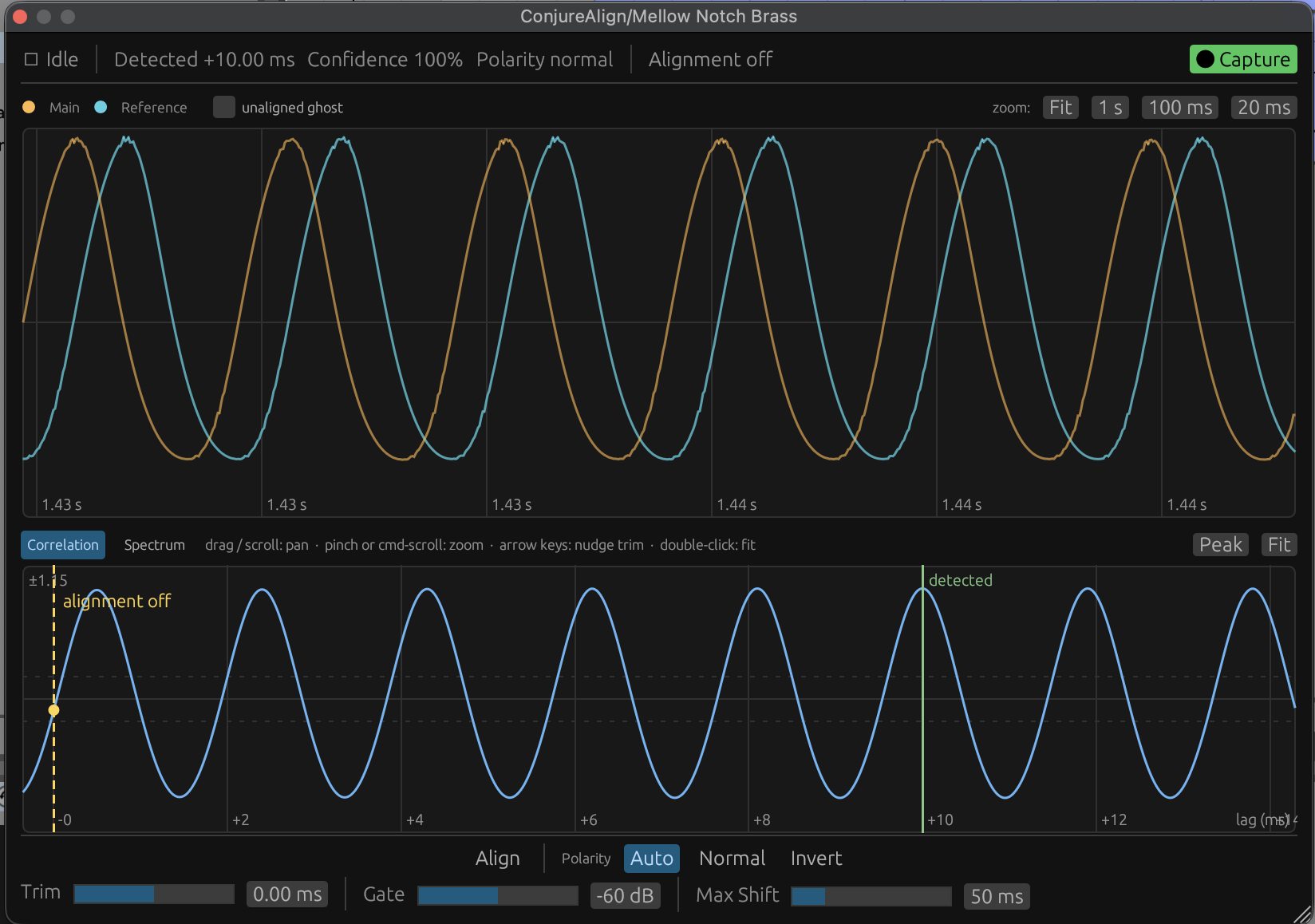
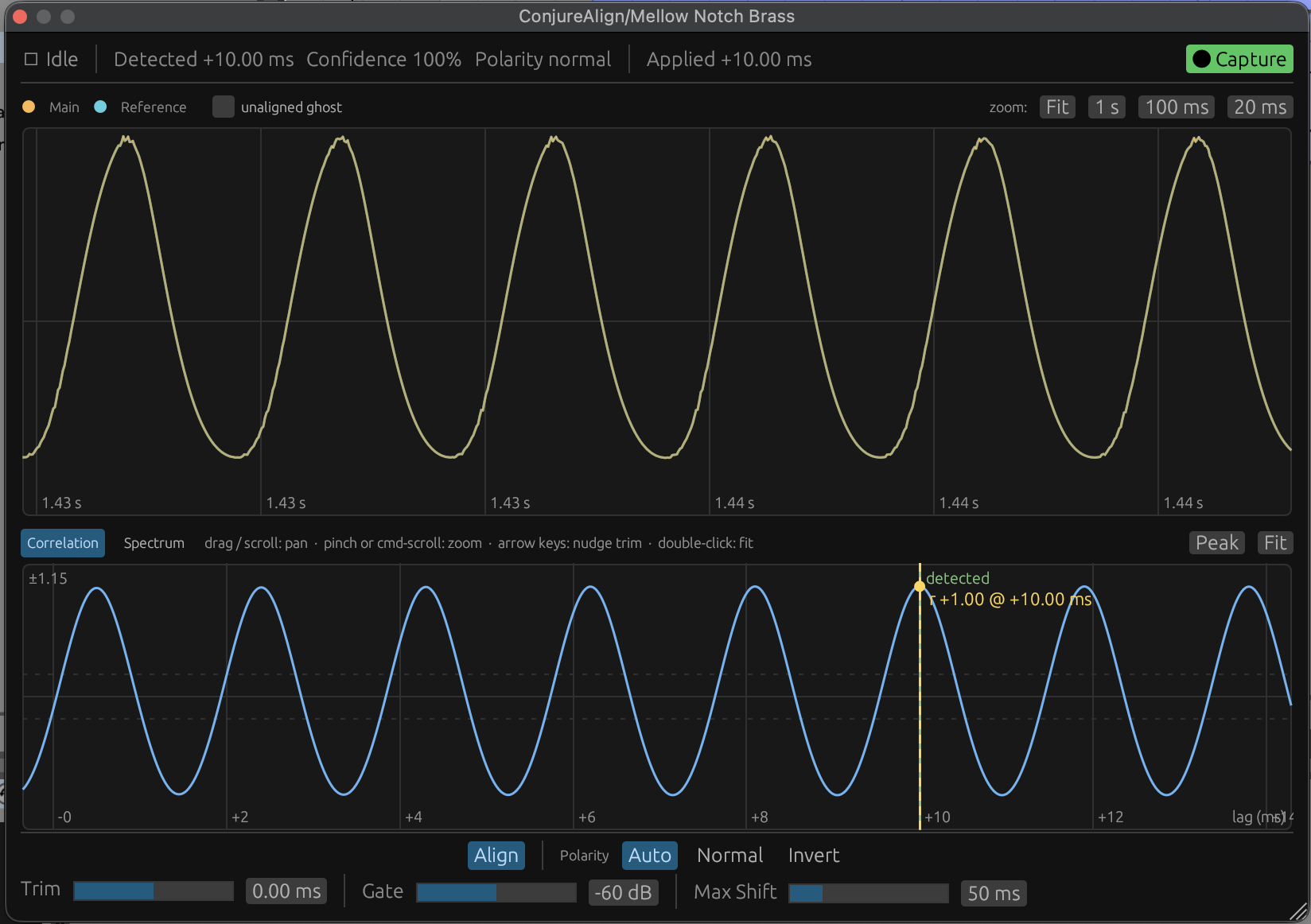
Cross-Correlation Capture
FFT cross-correlation compares the track against a sidechain reference and finds the exact offset between them — no tape measures, no zooming in on waveforms.
Sub-Sample Precision
Alignment shifts are applied with sub-sample accuracy, so even offsets that fall between samples are corrected.
Automatic Polarity Detection
Detects when one mic is flipped relative to the other and corrects it, with a manual override when you want control.
Latency Compensation
When the aligned track needs to move earlier in time, the plugin reports latency to your DAW so everything stays in sync.
Click-Free Gliding
Alignment changes glide smoothly into place — no clicks or dropouts, even while audio is playing.
Session-Persistent Results
Captured alignments are stored with your session, so your mix opens exactly as you left it.
How it works
- 1
Insert ConjureAlign on the track you want to shift.
- 2
Route the reference track into the plugin’s sidechain “Reference” input.
- 3
Play a loud, representative section of the song.
- 4
Click “Capture” — the plugin analyzes both signals and applies the alignment.
- 5
Re-capture any time. Results are stored automatically with your session.
Free and open source
ConjureAlign is licensed under GPL-3.0. Read the full guide on GitHub.
Download